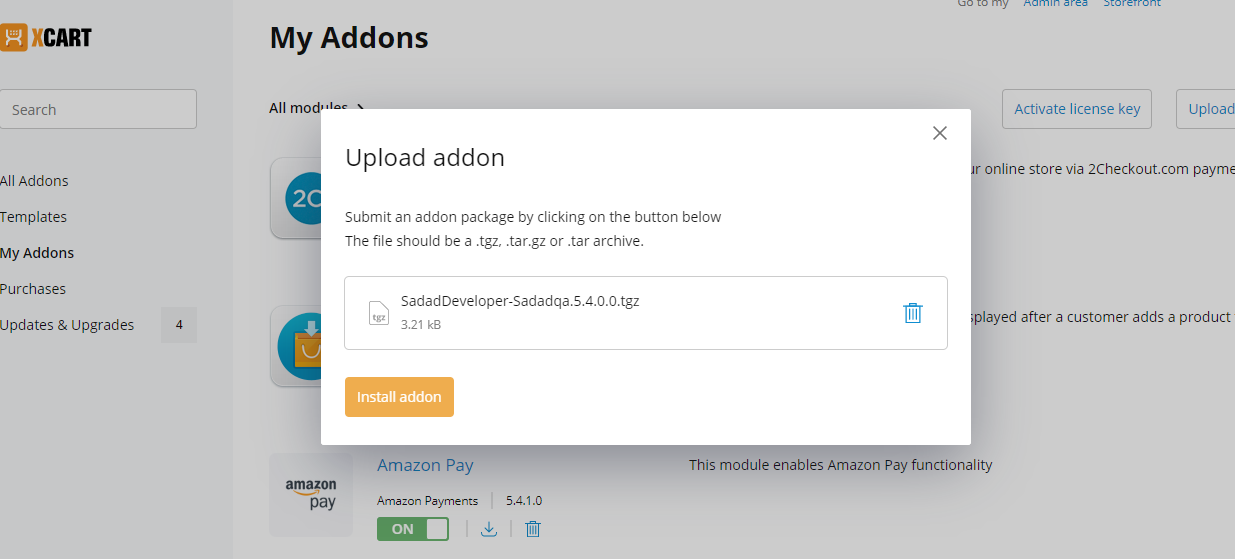
Login to admin and from left side menu go to My Addons. There click on Upload Addon button from top right and upload SadadDeveloper-Sadadqa.5.4.0.0.tgz file. After that click on Install Add on button.
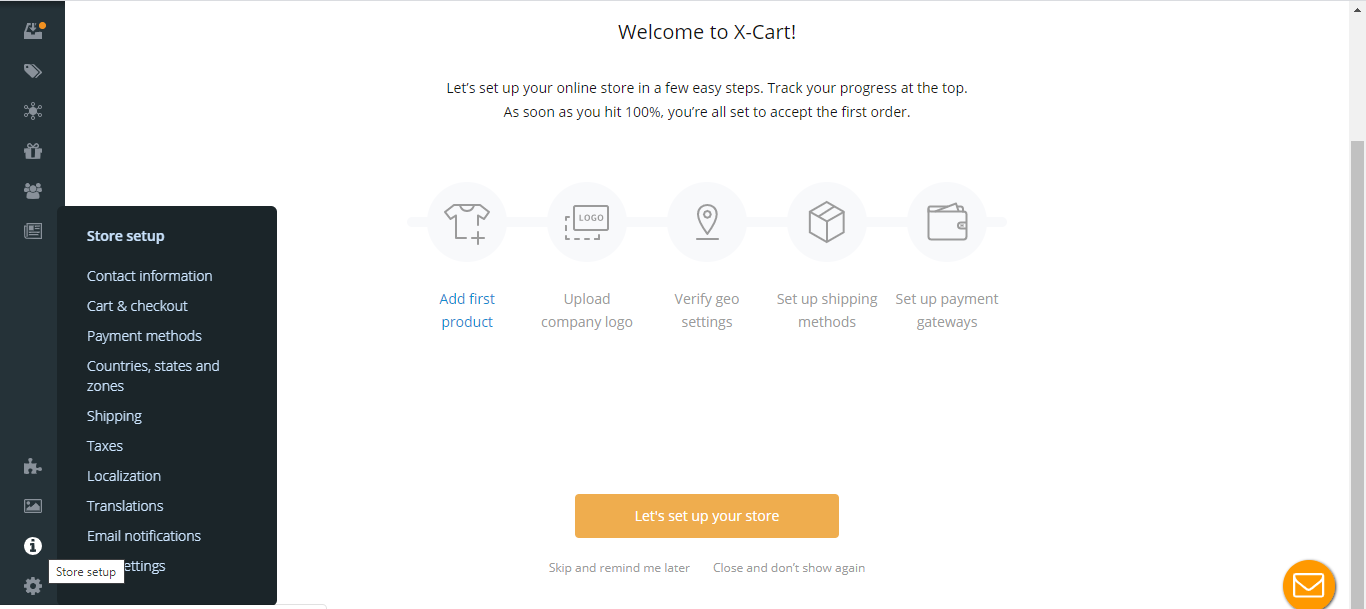
After that Go to admin area and then Store setup >> Payment Methods.
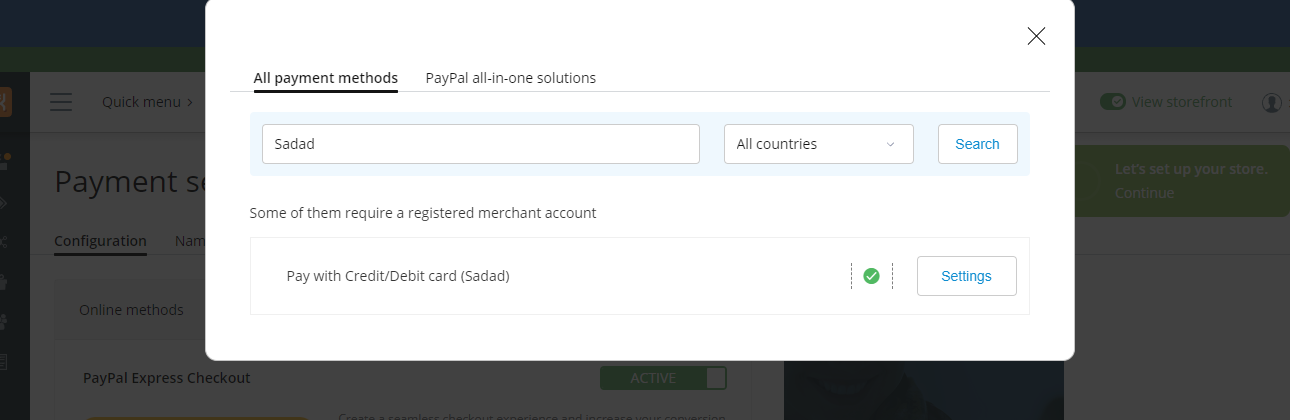
Click on Add Payment method button and search "Sadad QAR" (without quotes) and make sure you’ve selected All countries in the dropdown before search button.
Click on Settings and it will open settings page and enter your settings there and make sure you set status as Enabled and the Callback URL should be according to your secret key set. (i.e. if your Secret key for domain is set with www, you should select callback URL with www and if non-www, you should select non-www one)
settings and you’ll see Pay with credit/Debit card (Sadad) on checkout page payment method selection.