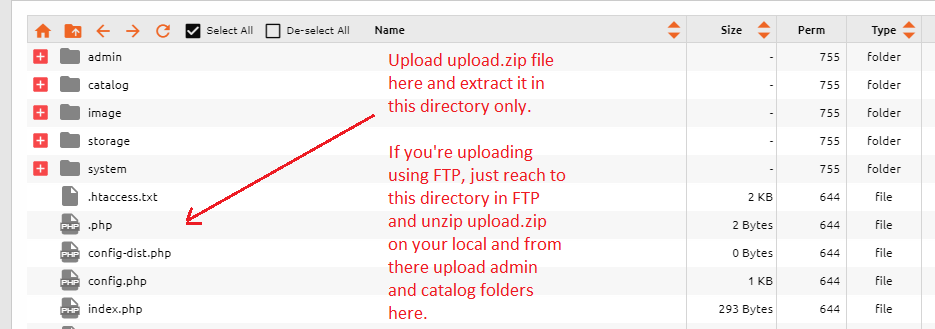
Upload admin and catalog folders to opencart installation directory using FTP or File Manager. There'll be already admin and catalog directories present. See Screenshot below:
Now login to your admin panel and go to Extensions > Extensions. From Choose extension type dropdown select payments and wait for all payment gateways to load
Find Sadad QAR and click Green + icon infront of it. After that click on blue edit icon.
It will open settings page and enter your settings there and make sure you set status as Enabled and the Callback URL should be according to your secret key set. (i.e. if your Secret key for domain is set with www, you should select callback URL with www and if non-www, you should select non-www one)
Save settings and you’ll see Pay with credit/Debit card (Sadad) on checkout page payment method selection.